
You're probably no stranger to the chaos that comes with managing a team of part-time employees. Did you know that a whopping 60% of businesses struggle with employee scheduling, leading to decreased productivity and increased turnover? If you're tired of dealing with scheduling headaches, you're in the right place. By the end of this article, you'll have a clear understanding of how to create a winning work schedule template for your part-time employees.
What is a Work Schedule Template for Part-Time Employees?
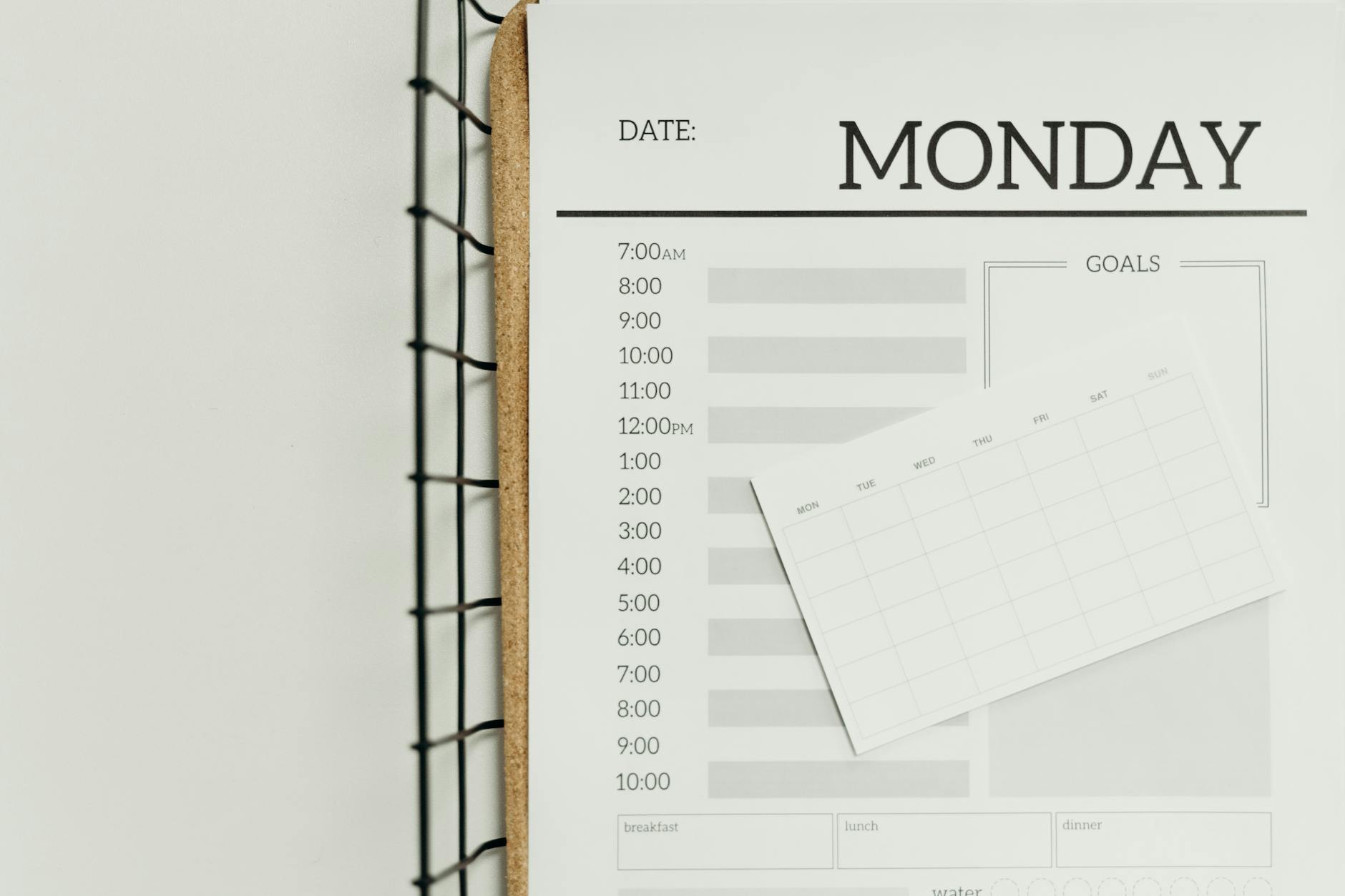
A work schedule template for part-time employees is a pre-designed calendar or table that outlines the working hours, shifts, and breaks for part-time staff. This template helps you visualize and organize your team's schedule, making it easier to manage and communicate with employees. For example, let's say you run a retail store with 10 part-time employees working varying shifts. With a work schedule template, you can create a clear and concise schedule that ensures adequate coverage during peak hours.
Key Factors to Consider When Creating a Work Schedule Template
When creating a work schedule template for part-time employees, there are several key factors to consider. Here are a few:
Employee Availability and Preferences
Understanding your employees' availability and preferences is crucial when creating a work schedule template. You should take into account their:
Availability: What days and hours are they available to work?
Preferences: Do they prefer morning, afternoon, or evening shifts?
Time-off requests: Are there any specific dates or periods when they need time off?
By considering these factors, you can create a schedule that meets your business needs while also respecting your employees' needs.

Step-by-Step Guide to Creating a Work Schedule Template
Here's a step-by-step guide to creating a work schedule template for part-time employees:
- Identify your business needs: Determine your business hours, peak periods, and staffing requirements.
- Gather employee information: Collect employee availability, preferences, and time-off requests.
- Choose a template format: Decide on a template format that works best for your business, such as a digital calendar or a printable table.
- Create a schedule: Use your template format to create a schedule that meets your business needs and employee preferences.
- Communicate with employees: Share the schedule with your employees and ensure they understand their shifts and responsibilities.
Best Practices for Managing Part-Time Employee Schedules
Here are some best practices to keep in mind when managing part-time employee schedules:
- Be flexible: Be open to adjusting the schedule as needed to accommodate employee requests or unexpected changes.
- Use technology: Consider using scheduling software or apps to streamline the scheduling process and reduce errors.
- Communicate clearly: Clearly communicate schedule changes, new shifts, or time-off requests to employees.
- Monitor and adjust: Regularly review the schedule and make adjustments as needed to ensure it continues to meet business needs.
Common Mistakes to Avoid When Creating a Work Schedule Template
When creating a work schedule template for part-time employees, there are several common mistakes to avoid:
Not considering employee availability: Failing to consider employee availability can lead to scheduling conflicts and decreased employee satisfaction.
Not communicating clearly: Poor communication can lead to confusion, errors, and decreased productivity.
Not being flexible: Being inflexible can lead to decreased employee satisfaction and increased turnover.

Frequently Asked Questions
Q: What is the best way to create a work schedule template for part-time employees?
The best way to create a work schedule template for part-time employees is to use a template format that takes into account employee availability, preferences, and business needs. Consider using scheduling software or apps to streamline the process.
Q: How do I ensure my part-time employees are fairly scheduled?
To ensure your part-time employees are fairly scheduled, consider using a rotating shift schedule or a fair scheduling algorithm. Also, be open to adjusting the schedule as needed to accommodate employee requests.
Q: Can I use a digital calendar to create a work schedule template?
Yes, you can use a digital calendar to create a work schedule template. Many digital calendars, such as Google Calendar or Microsoft Exchange, offer features that allow you to create and share schedules with employees.
Q: How often should I review and adjust the work schedule template?
You should review and adjust the work schedule template regularly, such as weekly or bi-weekly, to ensure it continues to meet business needs and employee preferences.
Final Thoughts
Creating a winning work schedule template for part-time employees requires careful consideration of employee availability, preferences, and business needs. By following the steps outlined in this article, you can create a schedule that boosts productivity, reduces scheduling headaches, and improves employee satisfaction. Take the first step today by downloading a free work schedule template and start optimizing your part-time employee schedules for success.
