You're probably no stranger to the frustration of dealing with large audio files that are a pain to work with. Whether you're a musician, podcaster, or sound designer, you've likely encountered the problem of audio files that are too loud or too quiet, making them difficult to mix and master. The good news is that there's a simple solution: audio compressor tools. And the even better news is that you don't have to break the bank to get started.
What are Audio Compressor Tools and How Do They Work?
Audio compressor tools are software applications that help you control the dynamic range of your audio files. In other words, they help you even out the volume of your audio, making it sound more professional and polished. By reducing the volume of loud peaks and amplifying quiet sections, audio compressors ensure that your audio files sound consistent and well-balanced.For example, let's say you're working on a podcast and you've recorded an interview with a guest who has a tendency to speak loudly. Without an audio compressor, your recording might sound distorted and unpleasant to listen to. But with an audio compressor, you can reduce the volume of those loud peaks and bring up the overall level of the recording, making it sound much more professional.
Key Factors to Consider When Choosing an Audio Compressor Tool
When it comes to choosing an audio compressor tool, there are a few key factors to consider. Here are some of the most important ones:Understanding Compression Ratio and Threshold
The compression ratio and threshold are two of the most critical settings in an audio compressor. The threshold determines when the compressor starts to kick in, while the compression ratio determines how much the compressor reduces the volume of the audio. A higher compression ratio means more dramatic volume reduction, while a lower ratio means less.For beginners, it's essential to understand that a gentle compression ratio (around 3-4:1) is often a good starting point. This will help you control the dynamic range of your audio without over-compressing it.
Step-by-Step Guide to Using Free Audio Compressor Tools
Here are some of the best free audio compressor tools for beginners, along with a step-by-step guide on how to use them:- Audacity: Audacity is a popular free audio editing software that comes with a built-in compressor tool. To use it, simply select the audio region you want to compress, go to the "Effect" menu, and choose "Compressor". Adjust the threshold and compression ratio to your liking, and you're good to go.
- LMMS: LMMS is a free music production software that comes with a built-in compressor plugin. To use it, simply insert the compressor plugin into your track, adjust the threshold and compression ratio, and you're ready to compress.
- Reaper: Reaper is a free digital audio workstation (DAW) that comes with a built-in compressor plugin. To use it, simply insert the compressor plugin into your track, adjust the threshold and compression ratio, and you're good to go.
Best Practices and Pro Tips
Here are some best practices and pro tips to keep in mind when using audio compressor tools:- Start with a gentle compression ratio: A gentle compression ratio (around 3-4:1) is often a good starting point. This will help you control the dynamic range of your audio without over-compressing it.
- Use the right threshold: The threshold determines when the compressor starts to kick in. A lower threshold means the compressor will start to reduce the volume sooner, while a higher threshold means it will start to reduce the volume later.
- Monitor your audio: Keep an eye on your audio meters and listen to your audio as you adjust the compressor settings. This will help you avoid over-compressing and ensure that your audio sounds natural.
Common Mistakes and What to Avoid
Here are some common mistakes to avoid when using audio compressor tools:- Over-compressing: Over-compressing can make your audio sound unnatural and lifeless. To avoid this, start with a gentle compression ratio and adjust to taste.
- Not listening to your audio: It's essential to listen to your audio as you adjust the compressor settings. This will help you avoid over-compressing and ensure that your audio sounds natural.
- Not using makeup gain: Makeup gain is a feature that allows you to boost the volume of your audio after compressing it. Not using makeup gain can result in audio that's too quiet.
Frequently Asked Questions
Q: What is the best free audio compressor tool for beginners?Some of the best free audio compressor tools for beginners include Audacity, LMMS, and Reaper. These tools are all easy to use and come with a range of features to help you control the dynamic range of your audio.
Q: How do I know if I'm over-compressing my audio?
If your audio sounds unnatural or lifeless, you may be over-compressing it. To avoid this, start with a gentle compression ratio and adjust to taste. It's also essential to listen to your audio as you adjust the compressor settings.
Q: Can I use audio compressor tools on live recordings?
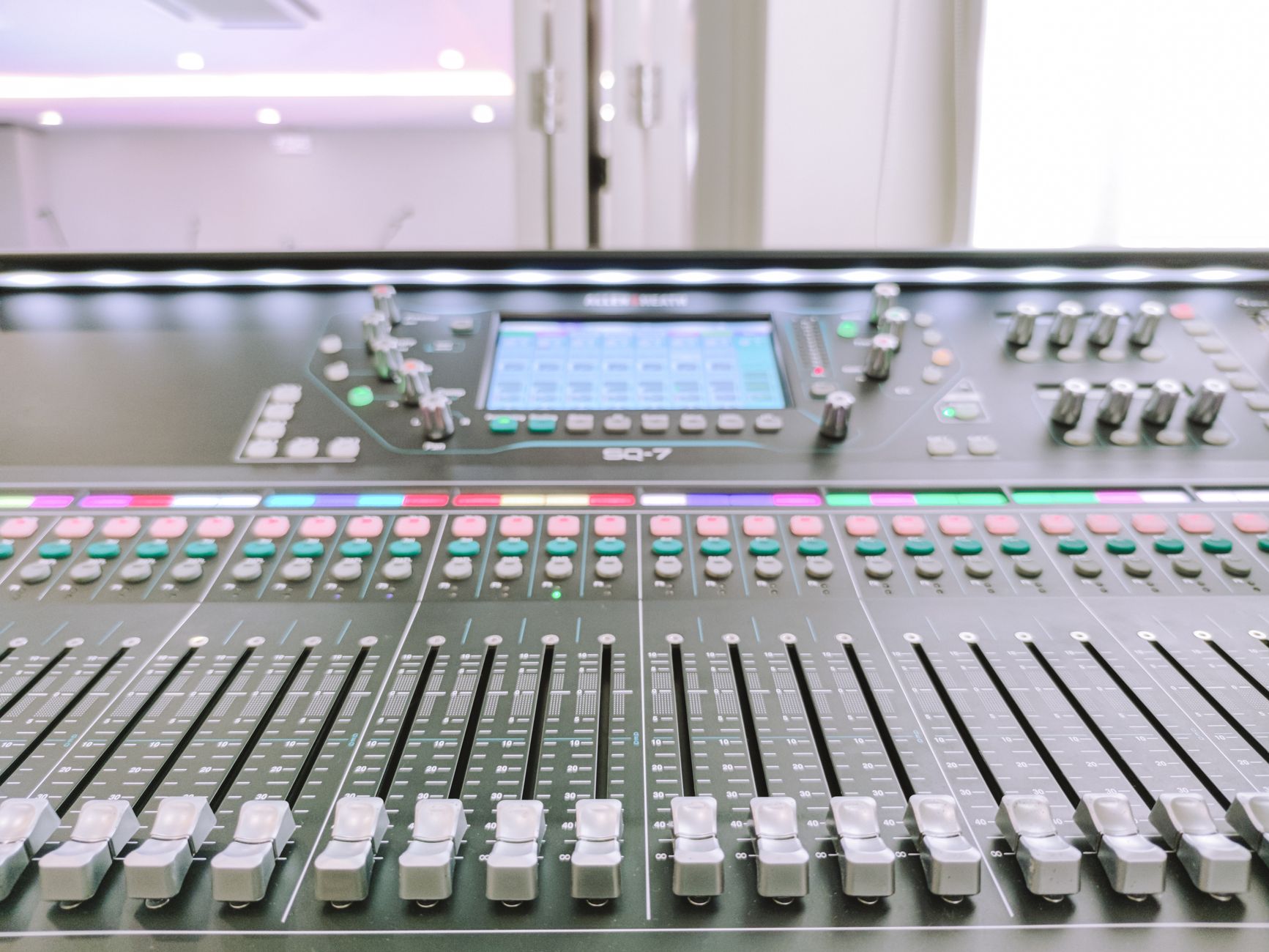
Yes, you can use audio compressor tools on live recordings. In fact, compressors are often used in live sound applications to control the dynamic range of audio and prevent loud peaks.
Q: What's the difference between a limiter and a compressor?
A limiter is a type of compressor that's designed to prevent loud peaks and prevent distortion. A compressor, on the other hand, is designed to control the dynamic range of audio and even out the volume.
Final Thoughts
In conclusion, audio compressor tools are an essential part of any audio producer's toolkit. By controlling the dynamic range of your audio files, you can ensure that they sound professional and polished. With the right tools and a little practice, you can achieve high-quality results without breaking the bank. So why not give one of the free audio compressor tools mentioned above a try? You might be surprised at just how easy it is to achieve professional-sounding results.