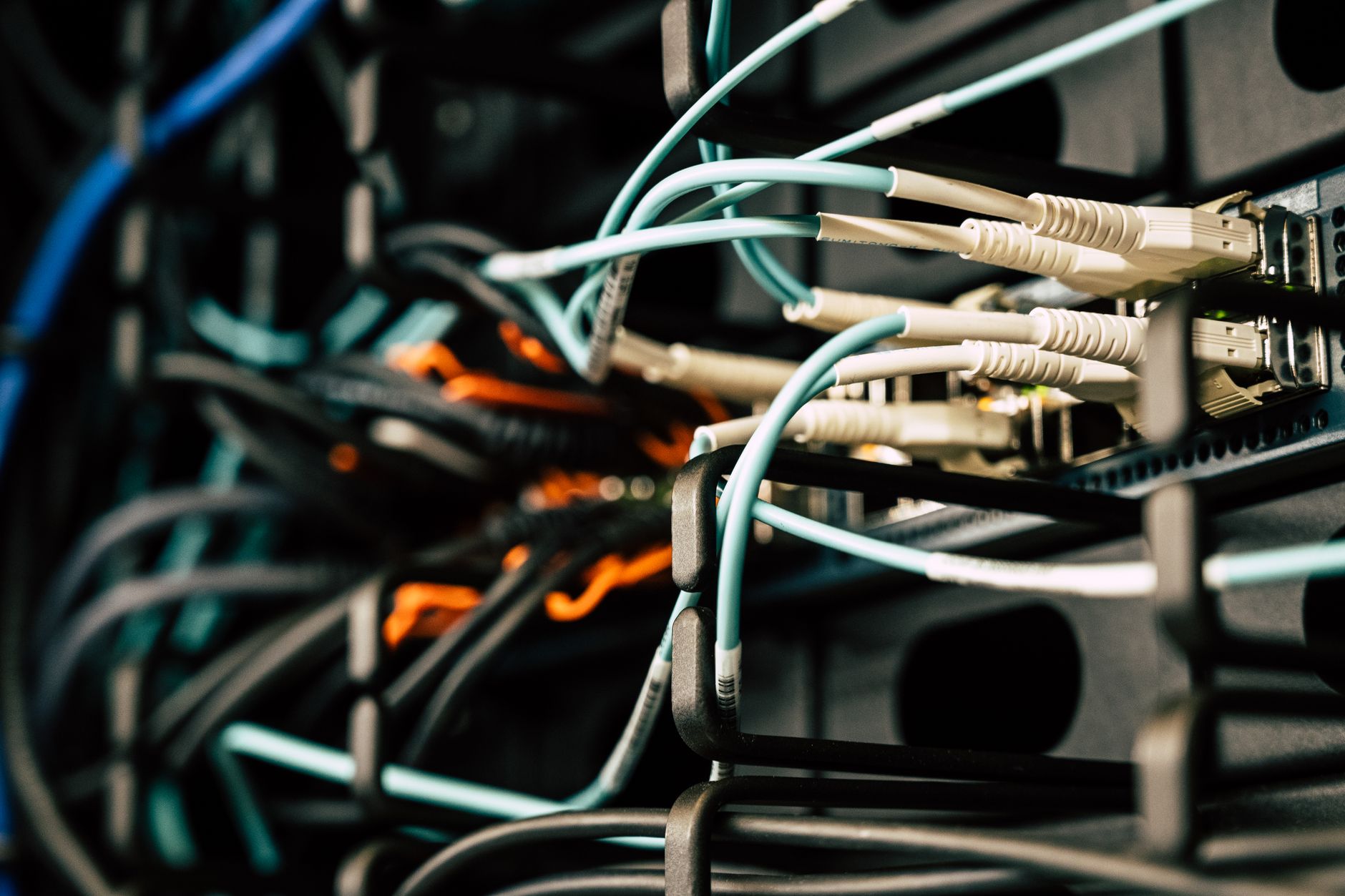
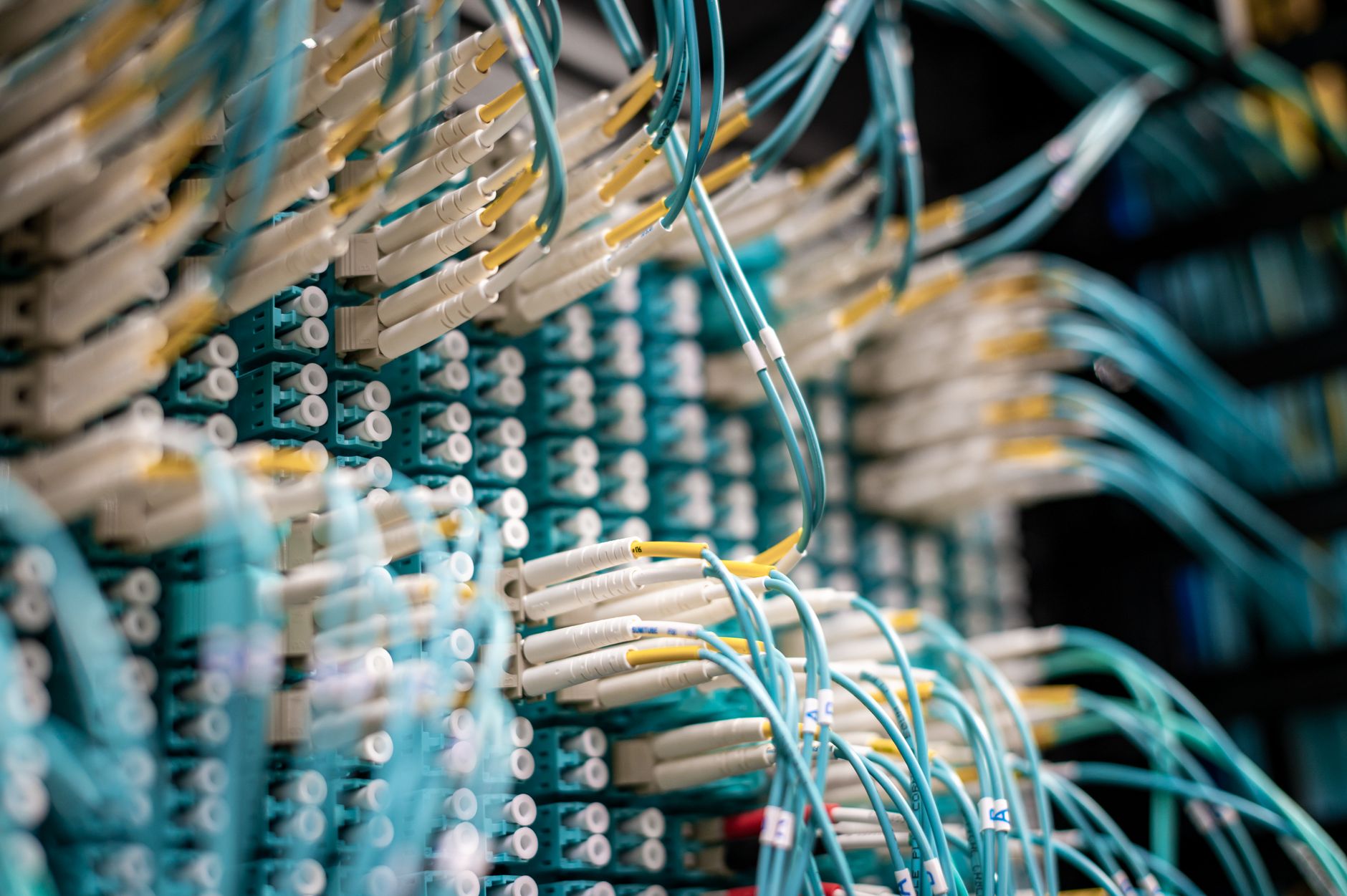
You're probably no stranger to the frustration of a slow internet connection or a dropped call in the middle of an important conversation. But have you ever stopped to think about the intricate web of technology connections that underpin our modern world? From the fiber optic cables crisscrossing the globe to the Wi-Fi routers in our homes and offices, technology connections are the backbone of our digital lives. By understanding how to optimize these connections, you'll be able to unlock faster data transfer, more reliable communication, and a more efficient use of your technology.
Understanding the Core Concept of Technology Connections
At its core, a technology connection refers to the physical or wireless link between two or more devices that enables the exchange of data. This can include everything from traditional computer networks to the Internet of Things (IoT) devices that are increasingly permeating our daily lives. For example, did you know that the average household in the United States has around 11 connected devices, from smartphones to smart thermostats? As this number continues to grow, it's clear that technology connections will play an increasingly important role in our lives.Key Factors in Technology Connections
So what makes a technology connection efficient? One key factor is the speed at which data is transferred. This is typically measured in megabits per second (Mbps) or gigabits per second (Gbps). For instance, a fiber optic connection can offer speeds of up to 10 Gbps, while a typical Wi-Fi connection might top out at around 1.3 Gbps. Another important consideration is the reliability of the connection. You don't want your video conference to drop in the middle of a crucial meeting, or your online backup to fail when you need it most.Optimizing Your Network for Speed and Reliability
To get the most out of your technology connections, it's essential to optimize your network for both speed and reliability. This might involve upgrading to a faster internet plan, investing in a high-quality router, or using a network switch to distribute your connection to multiple devices. For example, if you're using a Wi-Fi router that's several years old, you might be missing out on the faster speeds and better range offered by newer models.Step-by-Step Guide to Optimizing Your Technology Connections
Here are some practical steps you can take to optimize your technology connections:- Assess your current network: Take stock of the devices connected to your network, and the types of activities they're used for. This will help you identify areas where you might need to upgrade or optimize your connection.
- Upgrade to a faster internet plan: If you're consistently getting low speeds or experiencing dropped connections, it might be time to upgrade to a faster internet plan.
- Invest in a high-quality router: A good router can make a big difference in the speed and reliability of your network. Look for a model that supports the latest wireless standards, such as Wi-Fi 6.
- Use a network switch: If you have multiple devices that need to be connected to your network, a network switch can help distribute your connection and reduce congestion.
Common Mistakes to Avoid
When it comes to technology connections, there are a few common mistakes that can cause problems. For example: Not securing your network: Failing to secure your network with a strong password and up-to-date software can leave you vulnerable to hacking and data breaches.
Not upgrading your equipment: Using outdated equipment can slow down your network and make it less reliable.
- Not monitoring your usage: Failing to monitor your network usage can lead to unexpected costs and wasted bandwidth.
Frequently Asked Questions
Q: What's the difference between a hub and a switch?A hub and a switch are both network devices that allow you to connect multiple devices to a network. However, a switch is more intelligent and can direct data to specific devices, while a hub simply broadcasts data to all connected devices.
Q: How do I know if my internet plan is fast enough?
A good rule of thumb is to consider the types of activities you'll be using your internet connection for. If you're just browsing the web and checking email, a slower plan might be sufficient. However, if you're streaming video or gaming online, you'll need a faster plan.
Q: Can I use a Wi-Fi extender to improve my network coverage?
Yes, a Wi-Fi extender can help improve your network coverage by rebroadcasting your router's signal to hard-to-reach areas. However, this can also introduce some drawbacks, such as reduced speeds and increased latency.
Q: What's the best way to secure my network?
The best way to secure your network is to use a strong password, keep your software up-to-date, and use encryption to protect your data.
Final Thoughts
By understanding the ins and outs of technology connections, you'll be better equipped to optimize your network for speed, reliability, and efficiency. Take a closer look at your current setup and see where you can make improvements. With a few tweaks and upgrades, you can unlock the full potential of your technology connections and enjoy a faster, more seamless digital experience.