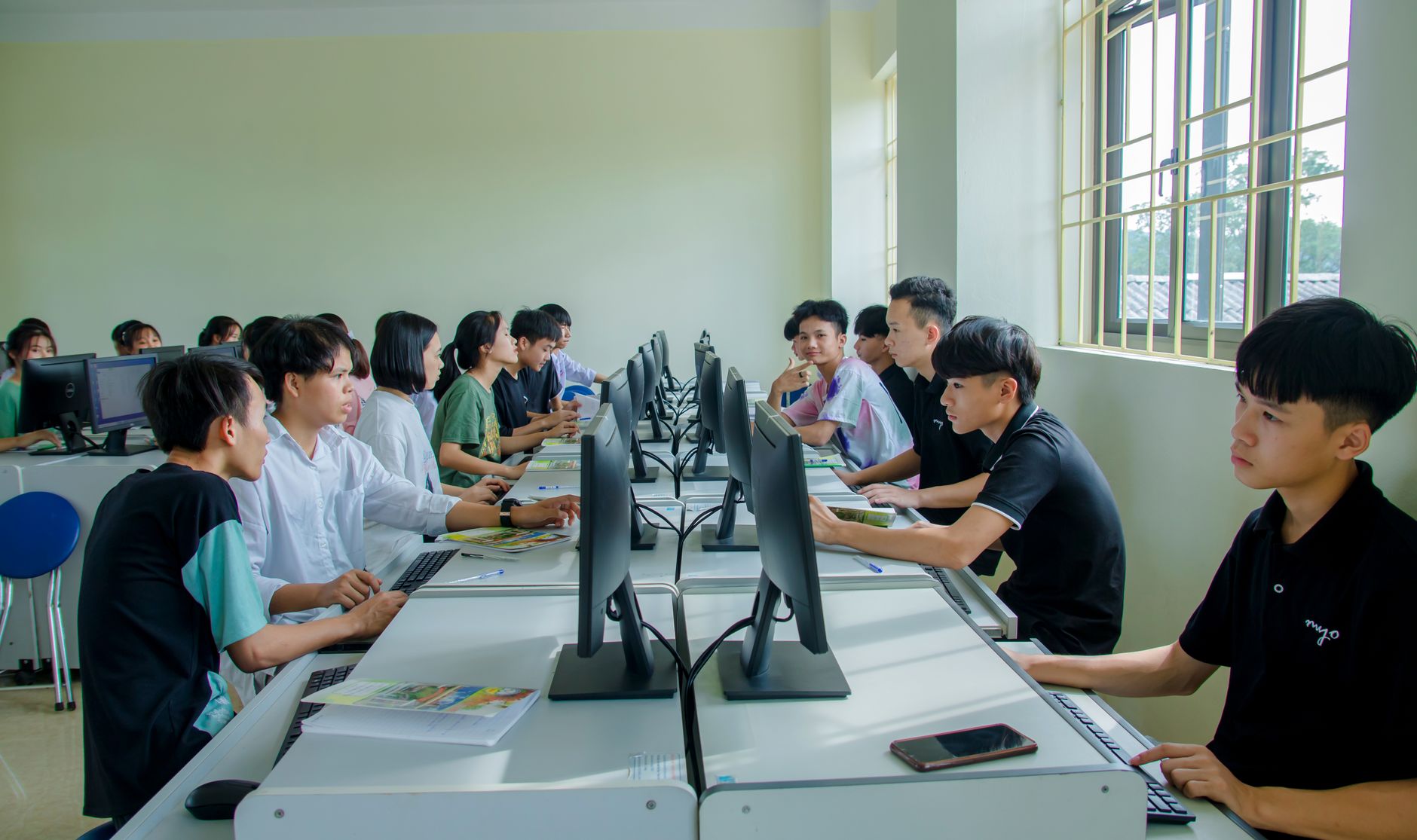
Opening paragraph
You're likely no stranger to the frustration of trying to engage students in a traditional classroom setting, only to find that they're more interested in their phones than the lesson at hand. But what if you could harness the power of technology to turn that around? By incorporating technology into your teaching, you can create a more interactive, personalized, and effective learning environment that prepares students for success in the digital era.What is Technology Integration in the Classroom?
Technology integration in the classroom refers to the use of digital tools and resources to support teaching and learning. This can include everything from educational software and apps to online platforms and social media. One example of successful technology integration is the use of learning management systems (LMS) like Canvas or Blackboard, which allow teachers to create and manage online courses, assignments, and assessments. For instance, a study by the National Center for Education Statistics found that schools with a high level of technology integration reported higher student achievement in reading and math.Key Factors in Successful Technology Integration
When it comes to integrating technology into the classroom, there are several key factors to consider. Here are a few:Choosing the Right Tools
The first step is to choose the right tools for your classroom. This means selecting technology that aligns with your teaching goals and is easy to use for both you and your students. Some popular options include educational apps like Kahoot and Quizlet, which allow you to create interactive quizzes and games. You should also consider the cost and any potential technical issues that may arise.Best Practices for Technology Integration
Here are some best practices to keep in mind when integrating technology into your classroom:- Start small: Don't try to do too much at once. Start with one or two tools and gradually add more as you become more comfortable with them.
- Get student feedback: Ask your students for their input on the technology you're using. What do they like? What don't they like?
- Use technology to support learning objectives: Make sure the technology you're using is aligned with your teaching goals and is helping to support student learning.
- Provide technical support: Make sure you have a plan in place for technical issues that may arise. This could include having a tech support team or providing students with troubleshooting resources.
Common Mistakes to Avoid
When integrating technology into the classroom, there are several common mistakes to avoid: Don't assume students are tech-savvy: While many students are comfortable with technology, this isn't always the case. Make sure to provide adequate training and support.
Don't overdo it: Too much technology can be overwhelming for both teachers and students. Make sure to strike a balance between technology and traditional teaching methods.
- Don't ignore equity: Make sure that all students have access to the technology you're using, and that you're not inadvertently creating a digital divide.
Frequently Asked Questions
Q: How can I ensure that my students are using technology safely and responsibly?To ensure student safety and responsibility, establish clear guidelines and expectations for technology use, and provide education on digital citizenship. You should also monitor student activity and address any issues that arise.
Q: What are some ways to engage students who may not have access to technology outside of the classroom?
To engage students who may not have access to technology outside of the classroom, consider providing devices or internet access for students to use at home. You can also offer alternative assignments that don't require technology.
Q: How can I measure the effectiveness of technology integration in my classroom?
To measure the effectiveness of technology integration, track student engagement, achievement, and feedback. You can also use data from learning management systems or educational software to inform instruction.

Final Thoughts
By incorporating technology into your teaching, you can create a more interactive, personalized, and effective learning environment that prepares students for success in the digital era. To get started, consider choosing one or two tools to try out, and be sure to monitor student feedback and adjust your approach as needed. As you continue to explore the possibilities of technology integration, you'll likely discover new ways to enhance teaching and learning.